
Mobile
Android phones & tablets
Download ↓Installation guide →Get Eleph TV for your Android device. Choose your screen below, then follow the guide to get started.
Use the mobile version for phones and tablets, or the TV version for your Android TV devices.
Android phones & tablets
Download ↓Installation guide →Android smart TVs
Download APK ↓Installation guide →Android-powered TV boxes
Download APK ↓Installation guide →Android-powered TV sticks
Download APK ↓Installation guide →Android devices only. iPhone, iPad, Samsung Tizen and LG webOS are not supported. Check compatibility →
For Android TV, TV Box and TV Stick. Method 1: install with Downloader.
Find and install the Downloader app on your TV device, then open it.
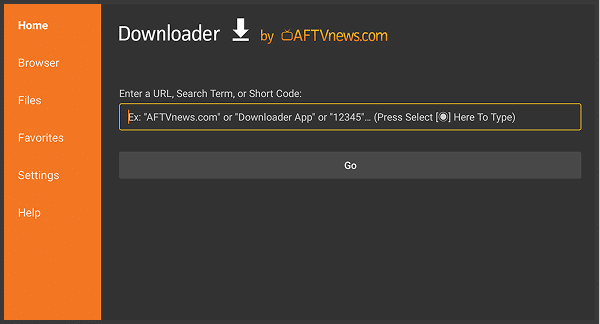
Enter the code below in Downloader and select GO. You can also enter the direct APK link.
6273077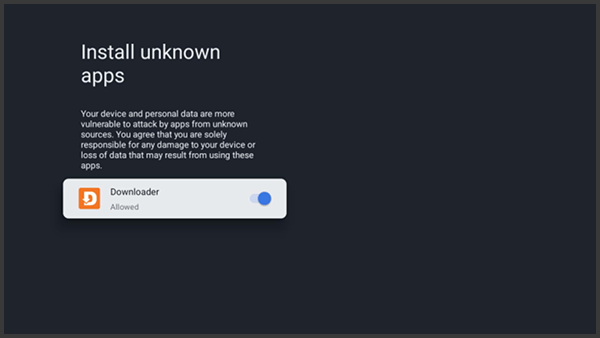
Wait for the download to finish, then select Install. If prompted, allow installation from Downloader in your device settings. Open Eleph TV once installation is complete.
Method 2: install on your Android TV, TV Box or TV Stick using USB.
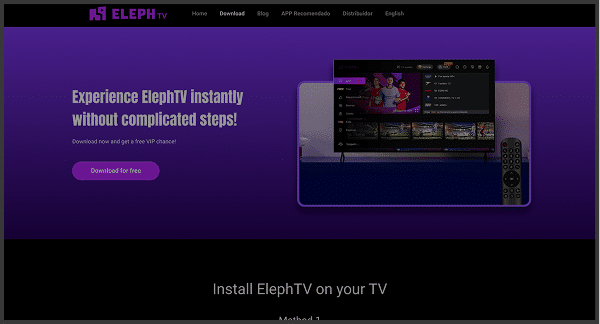
On your computer, download the TV APK using a TV download button above. Find it in your Downloads folder and copy it to a USB drive.
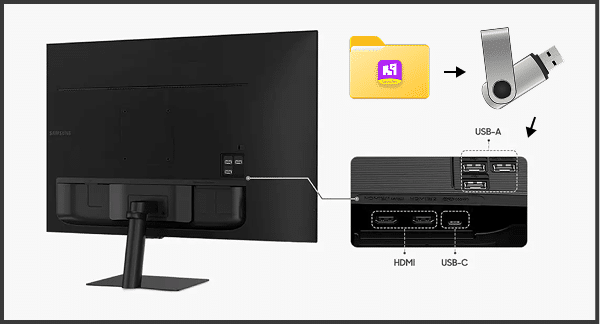
Insert the drive into your TV device, using a compatible USB adapter if needed. Open its folder in your device’s file manager and select the APK.
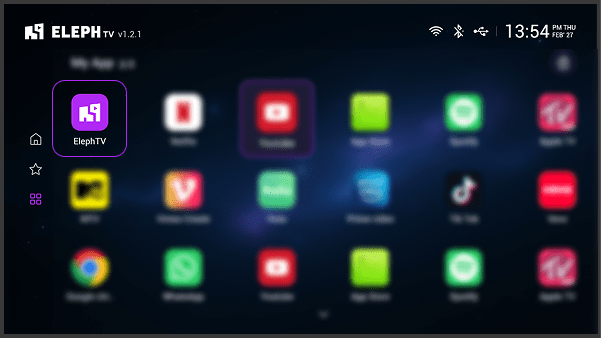
Allow installation from the relevant file manager if prompted. Complete the installation, then open Eleph TV from your apps.
Open your phone’s browser and use the Mobile download link to download the app.
Open Settings > Security > Install unknown apps. Permit installation for the browser or file manager opening the APK. Menu names vary by device.
Find the downloaded file in Downloads, open it and tap Install. Once complete, open Eleph TV. You can turn the installation permission off again afterwards.
Questions about your device or installation? We’re here to help.